

You can add insurance to a flight during checkout, after booking through the airline's partner, through a travel insurer, or through a comparison site. The easier button is not always the better policy.
Before clicking add, check what the flight actually risks. A cheap refundable fare is different from an international trip with prepaid hotels and medical exposure.
Read The Airline Offer Like A Policy
NAIC's travel insurance material explains that travel policies can include several different benefits: NAIC travel insurance overview. Airline checkout offers may cover only part of the trip.
Check whether the offer covers just the flight, the whole trip, medical care, delay expenses, baggage, missed connections, and cancellation reasons.
Compare The Offer With A Standalone Plan

A standalone plan may let you insure hotels, tours, cruises, and medical needs in one place. The airline plan may be narrower or perfectly fine for a simple ticket.
The right comparison is not checkout versus no checkout. It is checkout offer versus the trip's real loss points.
Check Medical Care Away From Home
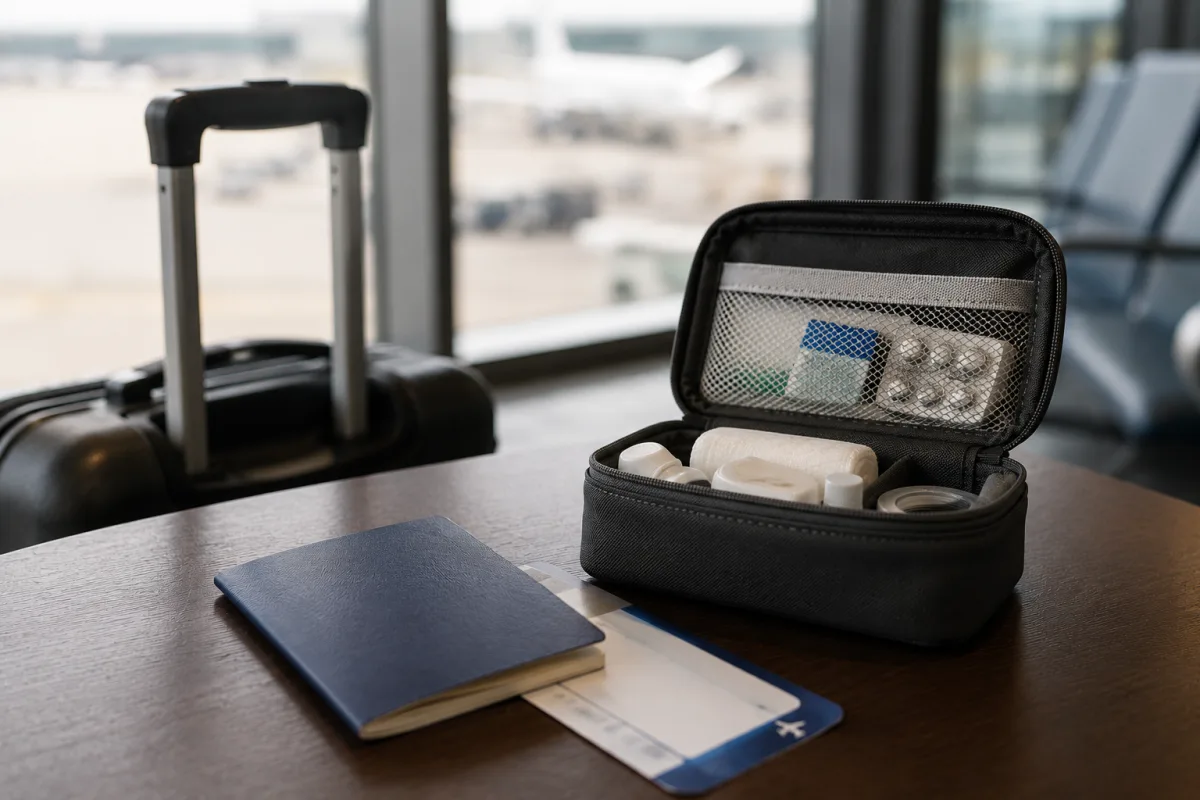
The State Department advises travelers to review medical and evacuation coverage before international trips: State Department travel insurance guidance. Your domestic health plan may not work the same way outside the country.
For add insurance to your flight, medical coverage matters most when the destination has high upfront payment rules, limited nearby care, remote lodging, cruises, or planned activities far from a hospital.
Think About Evacuation Before Baggage
CDC travel guidance discusses travel health insurance and medical evacuation planning: CDC travel insurance guidance. Evacuation is rare, but the cost can be much larger than a lost bag.
Travelers often compare baggage limits first because they are easy to picture. A better order is medical care, evacuation, cancellation, interruption, delay, and then baggage.
Read Exclusions Before Limits
A large benefit limit does not help if the event is excluded. Read the exclusion section for alcohol, risky activities, unattended bags, late notice, epidemics, pregnancy, work travel, and known events.
If the wording is unclear, ask the insurer for a written explanation. The full policy controls the claim, but the answer helps you compare plans without guessing.
Compare Primary And Secondary Benefits
Primary coverage can pay first under the policy terms. Secondary coverage usually asks for a primary insurer's decision, proof of payment, denial, or remaining balance before it pays.
That timing is a cash-flow issue. Livecub's guide to checking savings bond values is a separate finance topic, but it has the same habit: confirm the number before relying on it.
Look At Existing Benefits
Credit cards, health insurance, homeowners or renters coverage, employer benefits, airline refunds, and hotel cancellation windows may already cover pieces of the trip.
Do not assume those benefits are enough. They may cover only the cardholder, only trips paid with that card, only short trips, or only specific losses.
Match Coverage To The Destination
A weekend in a nearby city does not carry the same insurance need as a cruise, safari, ski week, backpacking route, or month abroad. The policy should match the trip.
For money decisions outside travel, Livecub's article on fixed and fixed index annuities shows why definitions change real outcomes.
Check Activity Rules
Skiing, scuba, climbing, motorbikes, racing, trekking at altitude, volunteering, and paid work may be excluded or require a special plan.
Do not rely on the trip name. A policy sold for travel can still exclude the activity that made the trip worth booking.
Watch The First Payment Date

Some benefits depend on buying coverage soon after the first trip payment. Pre-existing condition waivers and cancel for any reason options often have purchase deadlines.
Keep the first deposit receipt. If you are comparing plans after booking, that date may decide which benefits remain available.
Set A Claim File Before Departure
Save receipts, cancellation rules, airline notices, tour confirmations, medical notes, police reports, and delay letters in one folder. Claims are document driven.
The same recordkeeping habit applies in other finance areas; Livecub's guide to calculating bonds with a financial calculator is one example of numbers needing support.
Ask About Pre-Existing Condition Rules
If a traveler, family member, or business partner has a medical condition, read the lookback period and waiver terms. The rule may apply even if the person is not traveling.
The safest practical move is to ask the insurer how the policy handles that fact before buying, then keep the answer with the policy.
Use Deductibles To Compare Price
A lower premium may come with a higher deductible, lower medical limit, or weaker delay benefit. Compare the out-of-pocket result, not only the price.
For a high-cost trip, a small premium difference may matter less than a clear benefit limit and a claims process you can actually follow.
Check Traveler Definitions
Policies define family member, traveling companion, domestic partner, child, and group in specific ways. Those definitions can decide cancellation and interruption claims.
If someone outside the household is part of the trip, check how the policy treats that person before assuming their emergency creates a covered reason.
Review Baggage And Delay Rules
Baggage benefits may be secondary to airline payment, may exclude electronics, and may require proof that the bag was checked or reported missing.
Trip delay benefits may start only after a set number of hours. Save airline notices, hotel receipts, meal receipts, and rebooking records.
Know What The Assistance Line Does
Travel assistance can help locate medical care, arrange translation, coordinate evacuation, or explain the next claim step. That does not mean every bill is covered.
Store the assistance number offline. Travel problems often happen with weak signal, low battery, or a stressed traveler trying to make quick choices.
Update The Policy After Changes
If you add a traveler, cruise, tour, hotel, or side trip, review the insured amount and coverage terms again. A small change can create a new uninsured gap.
Livecub's guide to teaching kids about money is unrelated to travel, but the habit fits: simple records prevent later confusion.
Make The Decision With A Loss Number
Ask what would hurt most: losing the prepaid trip, paying medical bills abroad, arranging evacuation, replacing essentials, or staying extra nights after a delay.
Buy insurance for the loss you cannot comfortably carry. Skip or narrow coverage when the risk is small, refundable, or already covered.
Keep The Policy Offline
Print or download the policy, claim steps, and emergency numbers. Do not rely only on a booking-app link or an email search while traveling.
Share a copy with someone at home. If a traveler is injured or without a phone, the backup person can help start the call.
Read The Rental Car Section Slowly
Some travel policies include rental car damage coverage, but liability, luxury vehicles, off-road use, and country exclusions can change the answer.
Compare the travel policy with the rental counter offer and any credit card benefit. The cheapest choice is not always the clearest choice after a loss.
Use A One-Page Trip Cost Sheet
Write the booking date, supplier, deposit, cancellation deadline, refund method, and balance due date on one page. This makes policy limits easier to test.
That same sheet helps with claims because the insurer can see what was paid, what was refunded, and what remains as a real loss.
Do Not Ignore Small Exclusions
A single exclusion can decide a claim. Alcohol use, risky activities, unpaid tour operators, late notice, and missing receipts can all change the result.
Read exclusions after the benefit table. Benefit tables show what looks useful; exclusions show where the policy stops.
Frequently Asked Questions
Can I add insurance after buying a flight?
Often yes, but some benefits have early purchase deadlines. Check the insurer's timing rules.
Is airline checkout insurance enough?
Maybe for a simple ticket. It may be too narrow for hotels, tours, cruises, or medical needs.
Does flight insurance cover changing my mind?
Standard coverage usually does not. Cancel for any reason coverage is separate and limited.
Should I insure only the flight?
Only if the flight is the main nonrefundable cost and other risks are already handled.
Where do I find the policy terms?
Look for the certificate, policy wording, or benefits guide before paying.
This article is for general information only and is not financial, legal, insurance, medical, or tax advice. Policy terms, prices, eligibility, and laws change; read the policy and ask a licensed professional.

Timothy Davidson
Edits step-by-step general-interest guides for clarity, realistic limits and source verification.




Leave a reply
Replying to