
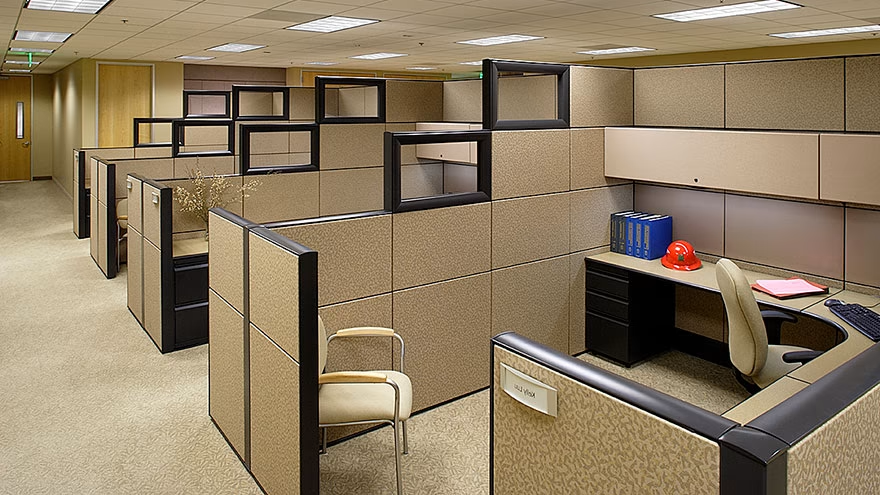
Why personalizing your workspace actually matters
Research from the University of Exeter found that employees who have control over the design and layout of their workspace are not only happier and healthier — they are up to 32 percent more productive than those working in bare, standardized offices. The study, published in the Journal of Experimental Psychology: Applied, followed more than 2,000 office workers across a series of experiments and surveys. Workers in "enriched" spaces — those decorated with plants and pictures — were 17 percent more productive than colleagues in lean, stripped-back environments. Those who could actually design their own space saw the biggest gains of all.
The mechanism here matters. When you can personalize your office cubicle, you are not just making the space prettier. You are signaling ownership. Psychologically, that sense of ownership increases your identification with your employer, raises your comfort level, and activates the kind of motivated engagement that drives better work. Conversely, when people feel uncomfortable or anonymous in their surroundings, they disengage — from the space and from what they do in it.
There is a counterforce worth acknowledging. As companies adopted hot-desking and activity-based working over the past decade, many quietly restricted personalization on the grounds that a shared desk cannot accumulate one person's belongings. The tension between organizational efficiency and individual ownership is real. The research, though, consistently comes down on the side of giving workers at least some control over their immediate environment — even in flexible arrangements.
Check the rules before you decorate
Before you bring anything into the office, spend five minutes reviewing your company's workspace policy. Most organizations have guidelines, even informal ones, and a few things tend to create friction regardless of employer: strong scents, because colleagues may have fragrance sensitivities or chemical allergies; food left on the desk overnight, which raises hygiene concerns; and politically or religiously charged imagery, which can make shared spaces uncomfortable. None of these are automatically banned everywhere, but they are the most common points of conflict.
The safer categories — family photos, small plants, a desk lamp, a personal mousepad — are rarely contested. If your workplace has shifted to hot-desking or a hybrid rotation, ask specifically whether a small personal tray or locker is available for storing your items between visits. Many companies that eliminated assigned desks still allow a portable "personal kit" that travels with the employee.
Asking first is not just about avoiding trouble. It also opens a conversation about what is possible, and sometimes reveals more flexibility than the official policy suggests.
Personal items that make a cubicle feel like yours
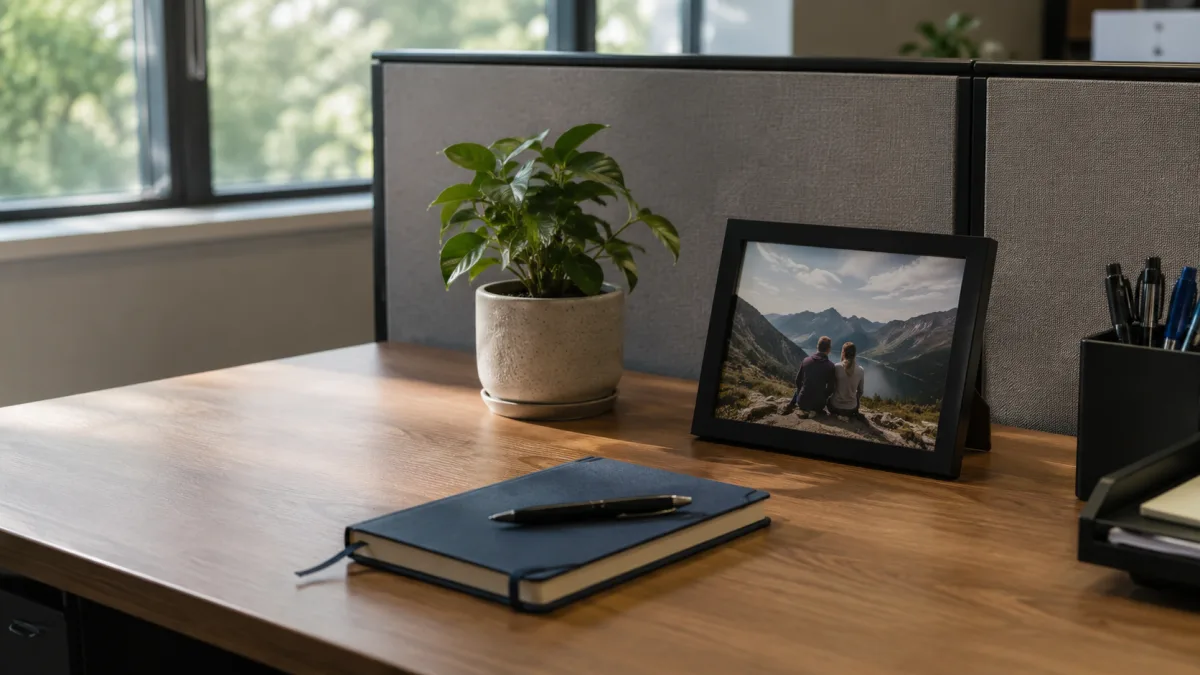
The goal is not decoration for its own sake. It is creating enough environmental cues that your brain registers this as your space — familiar, safe, and worth caring about. A handful of well-chosen items does this more effectively than a cluttered surface covered with novelty objects.
A framed family photo or a postcard from somewhere meaningful is the classic starting point, and for good reason. Faces we recognize and places we love serve as brief psychological anchors during stressful moments. One or two small items on a bulletin board — a handwritten note, a card, a printed quote that means something specific to you — work the same way without requiring much surface space.
A small collection of quality pens, your preferred notebook, or a mousepad with a color or pattern you actually like can feel trivial but are used constantly. Replacing generic office-supplied items with versions you chose yourself is a low-cost way to reclaim daily micro-interactions. If you need to stay alert and energized during long workdays, having surroundings that feel purposefully yours rather than accidentally assigned to you makes a concrete difference in how you settle into work each morning.
A small art print — something that fits inside an 8x10 frame — adds visual interest without claiming much real estate. Keep the surface count low. Three or four genuinely meaningful items will do more for your sense of ownership than twenty random ones.
Plants for the desk — low-light options that survive
A desk plant is one of the few personalization moves that is actively good for the people around you too. The 1989 NASA Clean Air Study identified pothos (Epipremnum aureum), spider plants, and peace lilies as effective at filtering compounds like formaldehyde and benzene from sealed test environments — though it is worth noting the study used sealed chambers, not ventilated offices, so the real-world air-purification effect is modest. The more reliable benefit is psychological: the presence of greenery has a documented calming effect and, per color psychology research by Andrew Elliot and others, green visual stimuli reduce eye strain during long screen sessions.
For a windowless or low-light cubicle, the practical shortlist comes down to four plants that genuinely tolerate dim conditions:
- Pothos — almost impossible to kill, adapts to indirect or artificial light, trails attractively from a small pot on a shelf. Needs water roughly every 10 days. Toxic if ingested, so keep it out of reach if colleagues bring pets into the office.
- ZZ plant (Zamioculcas zamiifolia) — thrives on neglect, stores water in its rhizomes, and tolerates fluorescent lighting indefinitely. Water every two to three weeks once the soil is completely dry. Also toxic if chewed.
- Snake plant (Sansevieria trifasciata) — architectural, upright, and one of the most light-adaptable plants available. Its structural quality pairs well with a tidy desk. Toxic to pets.
- Spider plant (Chlorophytum comosum) — the only plant on this list that is non-toxic to cats and dogs. Adapts well to indirect light, produces small offshoot "spiderettes" that can be propagated in water, and is forgiving of irregular watering.
Peace lilies flower under low light and are visually striking, but they are also one of the more common sources of workplace allergies due to pollen. If colleagues in adjacent cubicles have sensitivities, a non-flowering option like pothos or a ZZ plant is the more considerate choice.
Lighting upgrades that reduce eye strain
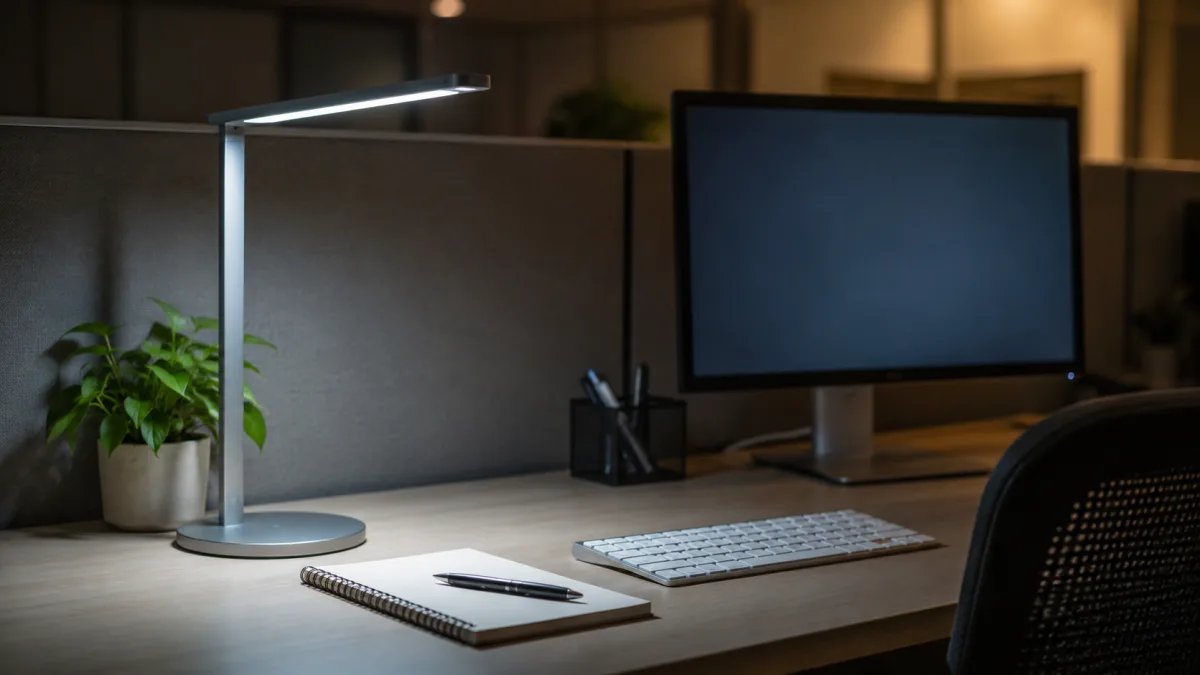
The overhead lighting in most offices was not designed for the kind of sustained close-focus screen work that fills a typical knowledge-worker's day. Fluorescent panels run warm and uneven; the contrast between a bright screen and a dim surround forces your pupils to constantly readjust, compounding fatigue over hours.
A desk lamp with a daylight-spectrum bulb — 5000K to 6500K — addresses two problems at once. First, it reduces the contrast between the screen and the surrounding surface, which is where much of the visual strain originates. Second, cool-spectrum light in that range suppresses melatonin and supports alertness, which matters especially in windowless cubicles where there is no natural light to anchor your circadian rhythm. For anyone who works long hours in a space with no windows, this kind of supplemental lighting can meaningfully reduce the afternoon slump that feels like tiredness but is partly just a lighting response.
The OSHA computer workstations guidelines recommend resting your eyes by periodically focusing on objects at least 20 feet away — a principle formalized as the 20-20-20 rule: every 20 minutes, look at something 20 feet away for 20 seconds. Research validated by scientists at Aston University confirms this reduces digital eye strain symptoms. The mechanism is simple: the ciliary muscles that adjust the lens for near focus fatigue with sustained close work; 20 seconds at distance is enough for them to relax. A desk lamp placed to the side of your monitor — not directly behind it, which creates glare — lets you light your keyboard and notebook without washing out the screen.
Ergonomic setup — the personalization that matters most
Getting the ergonomics right is the least glamorous form of workspace personalization, but it has the most consequential effect on how you feel by 4 PM. According to OSHA's computer workstation guidelines, the top of your monitor should sit at or slightly below eye level, with the center of the screen roughly 15 to 20 degrees below your horizontal line of sight. The preferred viewing distance is 20 to 40 inches from your eyes to the screen surface. Closer than 20 inches and your eyes work harder to converge; farther than 40 and you may find yourself leaning forward, losing the support of your chair back.
Keyboard position is equally specific: elbows close to your body, wrists straight and in line with your forearms, shoulders relaxed rather than raised. Feet flat on the floor or on a footrest, back supported by the chair. These are not arbitrary preferences — maintaining neutral postures throughout the day is what keeps repetitive strain at bay over months and years of the same motions.
If your chair is adjustable but you have never actually adjusted it, spend ten minutes doing it now. Raise the seat until your thighs are roughly parallel to the floor; if your feet then lift off the ground, add a footrest rather than lowering the chair (lowering the chair to reach the floor often means you are then looking up at your monitor). If the monitor sits on top of a computer tower, take it down — for most users, that arrangement places the screen above the safe threshold and causes the neck to tilt back, fatiguing the muscles that support the head. A monitor riser or adjustable arm gives you far more precise control.
For staff who navigate difficult coworker dynamics or high-stress roles, a properly configured ergonomic setup is one of the few concrete changes that removes a constant source of low-grade physical discomfort from the workday — worth treating as seriously as any decorative addition.
Organizing your workspace to reduce visual noise
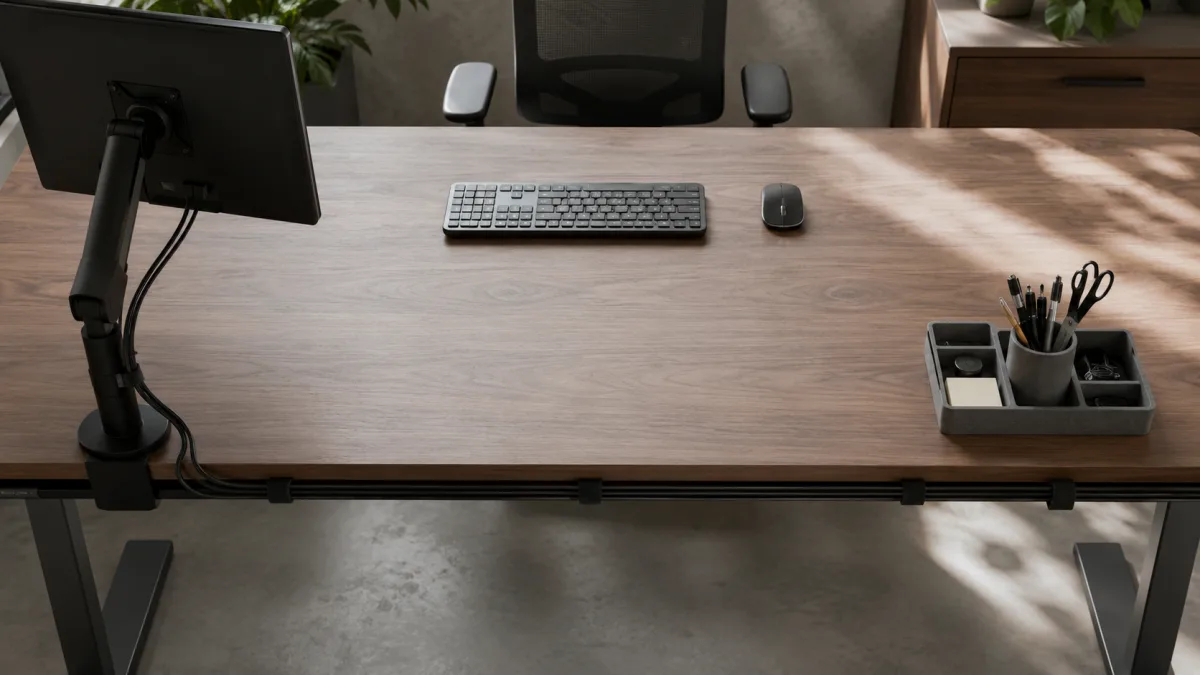
Research from the Princeton University Neuroscience Institute found that visual clutter in the environment competes for the brain's attention even when you believe you are ignoring it. The visual system continues processing competing stimuli in the background, generating what neuroscientists call sustained cognitive load — a kind of low-level mental noise that accumulates across the day and contributes to fatigue and reduced accuracy. Cables are a specific offender: a tangle of wires creates constant peripheral visual input that has no useful information content but still demands processing resources.
Cable management does not require specialized hardware. Velcro ties cost almost nothing and allow cables to be bundled and routed cleanly to the back of the desk. Adhesive cable clips along the desk edge keep individual cables from pooling on the floor. A cable sleeve — a fabric tube that groups multiple cables into a single visual unit — reduces what looks like five separate elements to one. The goal is not concealment for its own sake but reduction of visual noise: fewer distinct objects competing for peripheral attention.
Apply the same thinking to the desk surface. An in-tray keeps incoming papers in one place rather than spread across the work area. A desk organizer with a specific slot for each category of item — pens, sticky notes, charging cables — removes the micro-decision of where things belong. That sounds small, but micro-decisions accumulate. A clear surface communicates, visually and neurologically, that this is a space where focused work happens. It is the environmental version of closing browser tabs.
Personalization in hot-desk and open office environments
As companies mandated returns to office between 2023 and 2025, many employees found that the desk waiting for them was no longer theirs — it was a booking, a rotation, a shared surface that reset every night. Hot-desking solves a real estate problem but creates a belonging problem. Research on workspace ownership suggests this matters more than facilities managers typically acknowledge: without a fixed space, the environmental cues that signal familiarity are absent, and the sense of connection to the job and employer is measurably weaker.
In a hot-desk setup, the practical answer is a portable personal kit. A small tote or dedicated bag that holds your mousepad, a framed photo, your preferred pens, and any other lightweight items you would ordinarily keep on your desk. You arrive, unpack it, and the desk takes on a degree of familiarity within two minutes. When you leave, it packs back up. Some companies now assign personal lockers specifically to support this kind of light personalization within a flexible footprint.
For administrative and reception roles where a fixed workstation is usually part of the job, these constraints rarely apply — but it is useful to understand why hot-desking feels alienating to many people. It is not nostalgia. It is the removal of something with a measurable effect on engagement and job satisfaction.
When physical personalization is genuinely impossible, the digital environment offers some latitude. A computer desktop wallpaper set to a personal photo, a preferred color scheme, a curated toolbar — these are not the same as a plant on the desk, but they are not nothing either. They apply the same principle to the surface you look at most: make it feel like yours.
Frequently Asked Questions
How much personalization is too much in a shared office?
The practical threshold is whether your items affect the people near you. Strong scents, food left out overnight, loud or visually busy decorations that spill into a shared walkway — these are the areas most likely to create friction. A few meaningful personal items kept within your own workspace footprint are almost universally accepted, even in otherwise conservative office cultures.
Which desk plants are completely safe if colleagues have allergies?
Spider plants (Chlorophytum comosum) are non-toxic and non-flowering, making them the safest choice in shared environments. Pothos and ZZ plants are also non-flowering and low-allergen, though all three are mildly toxic if ingested — which matters if anyone in the office brings pets in. Avoid flowering plants like peace lilies if pollen sensitivity is a concern among nearby colleagues.
What is the correct monitor height according to OSHA?
OSHA specifies that the top of the monitor should be at or slightly below eye level, with the center of the screen roughly 15 to 20 degrees below your horizontal line of sight. The screen should be between 20 and 40 inches from your eyes. Placing a monitor on top of a computer tower typically raises it above these thresholds for most users.
Does the 20-20-20 rule actually work?
Research validated by Aston University confirms that the rule reduces symptoms of digital eye strain. The mechanism is straightforward: the ciliary muscles that adjust lens focus for near objects fatigue with sustained close work. Looking at something 20 feet away for 20 seconds allows those muscles to relax. Setting a quiet timer or reminder app makes it easier to maintain the habit consistently.
Can I personalize a hot desk when I do not have an assigned space?
Yes, with a portable kit. Keep a small bag with your essentials — a personal mousepad, a framed photo, your preferred pens, perhaps a small plant in a lightweight pot — and unpack it when you arrive. Many offices that use hot-desking also provide personal lockers for exactly this purpose. Check with facilities management about what is available. Some companies have introduced "neighborhood" zones where the same team consistently clusters, which allows for a degree of shared personalization even within a flexible desk policy.
Sources and verification
Check current details with these primary or subject-authority sources before acting on the information.

Timothy Davidson
Edits step-by-step general-interest guides for clarity, realistic limits and source verification.




Leave a reply
Replying to