
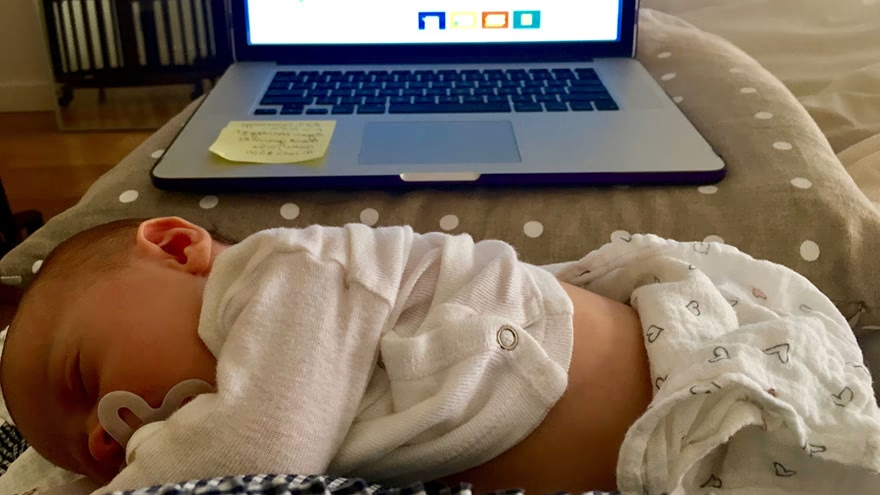
Are Laptops Safe Around Newborns? Usually yes when the laptop is treated like any other hot, corded, breakable object: keep it off the baby, away from sleep spaces, and out of reach of cords and liquids.
This is general parenting and safety education, not medical advice. Ask your pediatric clinician about premature infants, medical devices, breathing concerns, burns, falls, or any injury.
Keep It Off The Baby
Do not rest a laptop on, beside, or over a newborn. Laptops can get warm, shift suddenly, and fall from couches, beds, or laps.
A newborn cannot move away from heat, pressure, cords, or a falling device. Treat the laptop as an adult tool, not a baby accessory.
Watch Heat
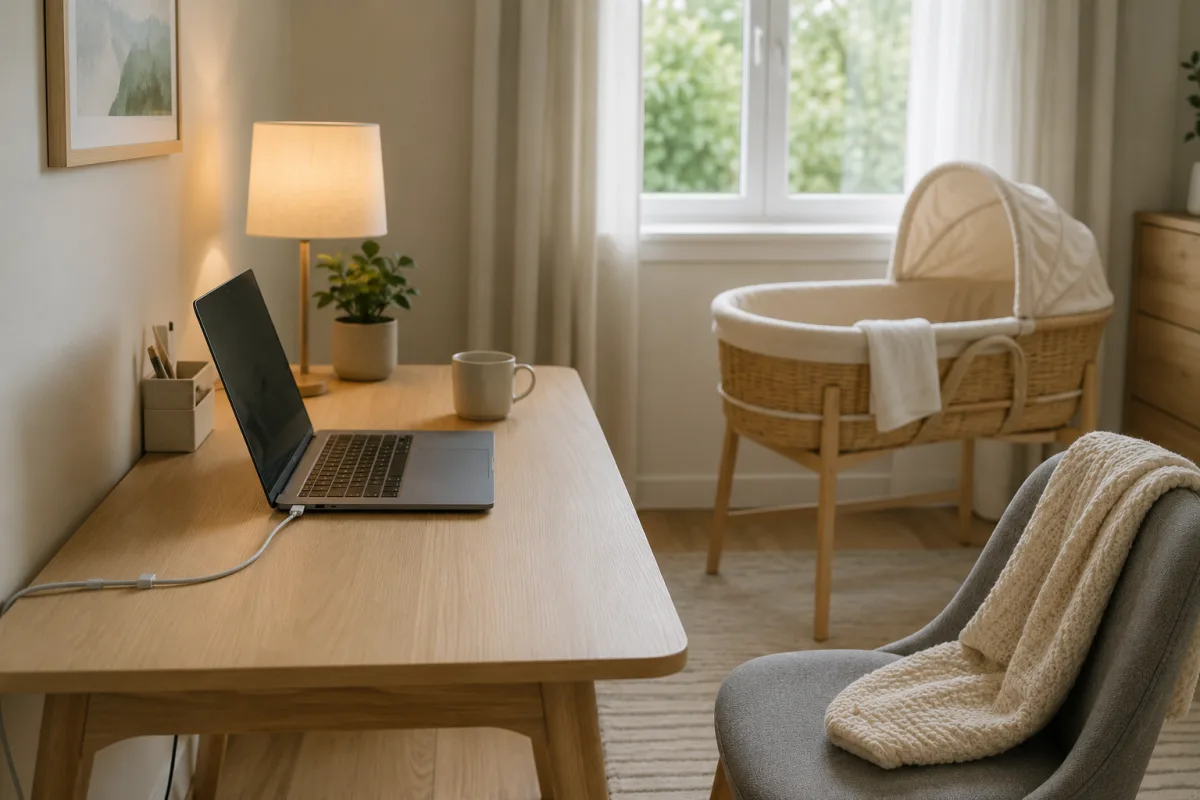
Laptop bottoms, chargers, and vents can become warm. Keep the device on a stable desk, tray, or stand, not on blankets where heat can build.
Heat is also a reason not to work with a laptop on the bed next to a sleeping infant. The safest sleep space stays clear.
Respect Safe Sleep
AAP's HealthyChildren safe sleep guidance says babies should sleep on their backs on a firm, flat surface without loose items. A laptop, charger, pillow, or adult bedding does not belong in that space.
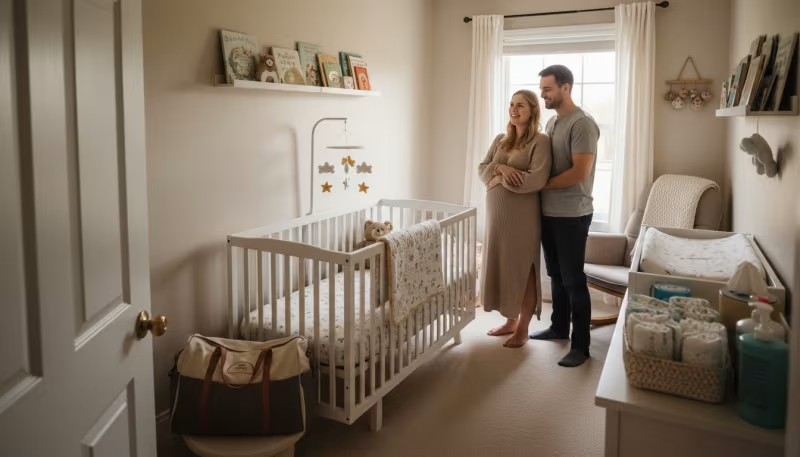
If you work near the baby, put the baby in a crib, bassinet, or play yard that meets safe sleep basics.
Screen Time
AAP's HealthyChildren 5 Cs media guidance gives age-based media advice and includes infant guidance. A newborn does not need entertainment from a laptop screen.
Video chatting with family can be different from passive screen exposure, but the adult should still hold the interaction and keep sessions brief.
Cords And Chargers
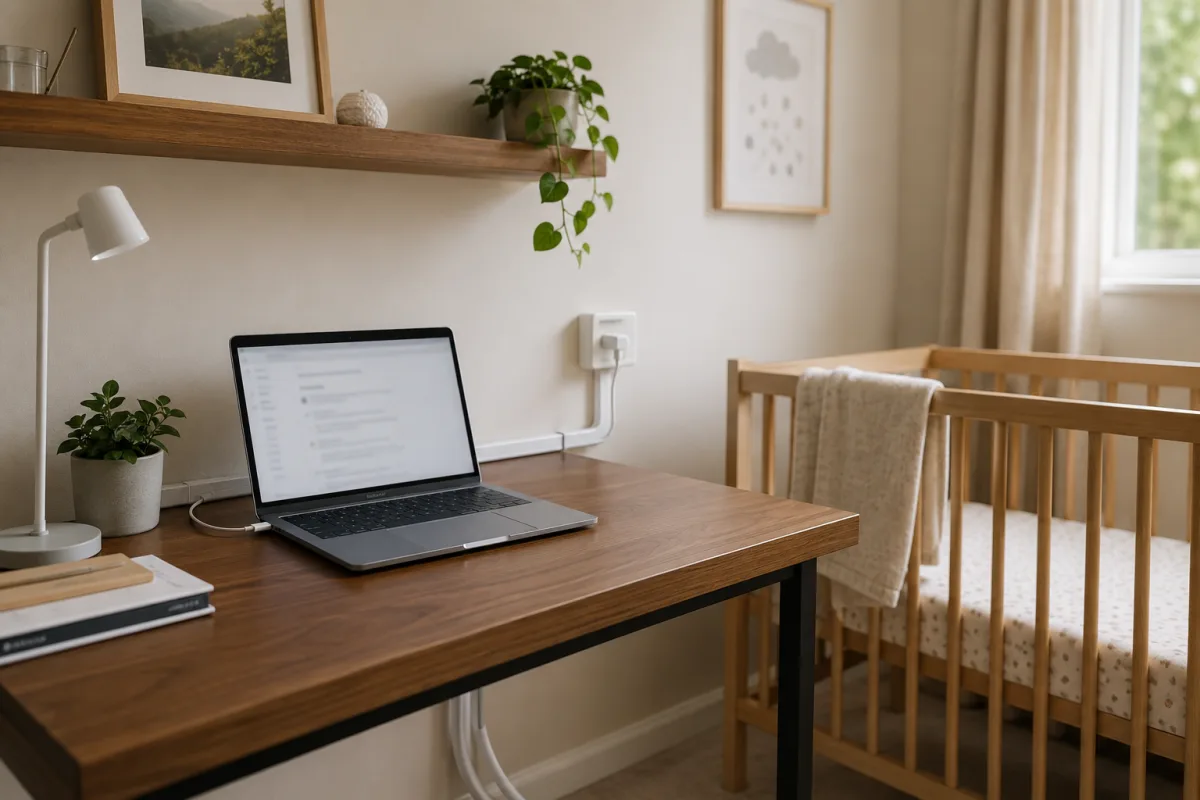
Charging cords can wrap, trip, pull devices down, or attract older siblings. Route cords behind furniture, unplug when not needed, and keep chargers off the floor.
Livecub's baby-proofing room guide fits the same safety mindset: look at the room from the child's level before problems happen.
Falls And Impact
A laptop on a couch arm, bed edge, stroller, or changing table can slide. A falling laptop can injure a newborn even from a short distance.
Keep devices on stable furniture. Never place a laptop on the same surface where you change, feed, or lay the baby.
Germs And Surfaces
Keyboards and trackpads collect skin oils, crumbs, and germs. Wash hands before feeding or handling a newborn after working, especially during cold and flu season.
If the laptop sits in public places, avoid putting it on surfaces used for feeding supplies or diaper changes.
Noise And Light
Keyboard clicks, alerts, video sound, and bright screens can disturb sleep. Use headphones carefully, dim the screen, and silence unnecessary notifications.
Mayo Clinic's screen time guidance encourages screen limits and tech-free routines for children.
Premature Infants
Premature or medically fragile infants may need extra care around visitors, devices, wires, monitors, and infection prevention.
Livecub's premature baby development article and low birth weight and preterm infant article are related if your baby had an early or complicated start.
Feeding Near A Laptop
Feeding while working can lead to spills, awkward posture, missed hunger cues, and a device too close to the baby's face. If possible, pause the laptop during feeds.
If you must take notes during a call, place the laptop on a table and keep the baby supported with both safety and comfort in mind.
Older Siblings
The laptop may be safe around a newborn but risky around a toddler who can pull cords or slam keys. Plan for the child who can move, not only the baby who cannot yet roll.
A device station out of reach can prevent many problems before the baby becomes mobile.
Rashes And Heat
If a baby develops redness after contact with a warm object or surface, remove the source and call your clinician if the skin looks burned, blistered, painful, or unusual.
Livecub's baby rash and blister guide can help you think about skin questions, but burns need medical advice.
Work Boundaries
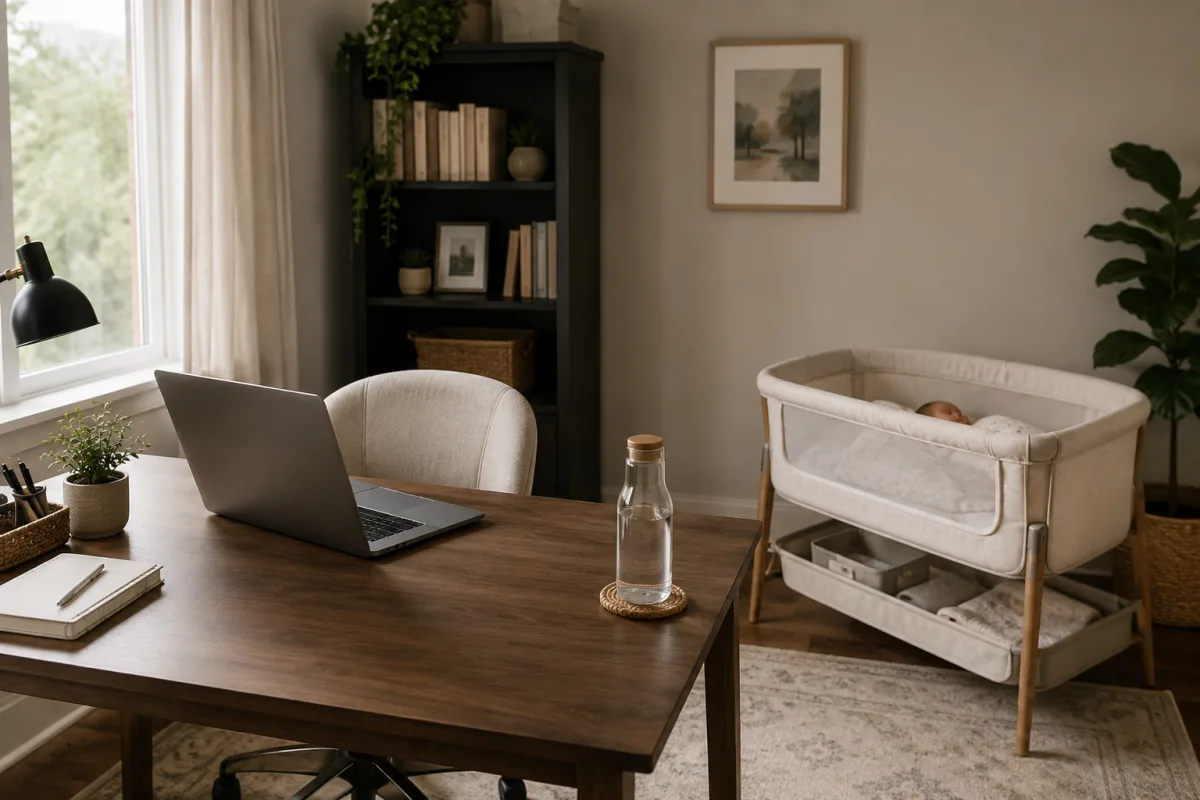
New parents often work beside a newborn out of necessity. Make one safe workstation: stable table, routed cord, water away from electronics, baby in a safe sleep space.
The goal is not a perfect screen-free house. The goal is no hot device, loose cord, or falling object near the baby.
When To Call
Call a clinician after any fall, burn, breathing concern, unusual sleepiness, feeding change, or injury. Do not watch a newborn injury at home because it seems small.
Newborns deserve a low threshold for medical advice.
Laptop Workstation Checklist
Set the laptop on a firm table, keep hot drinks away, route the cord behind furniture, and place the newborn in a separate safe sleep space.
If you cannot create that setup, close the laptop before feeding, changing, or settling the baby.
Heat On Adult Skin
If a laptop feels hot on adult skin, it is too warm to be anywhere near a newborn's body. Babies have delicate skin and cannot tell you to move the device.
Let the laptop cool, check vents, and avoid soft surfaces that block airflow.
Video Calls
Video calls with relatives can be meaningful, but the adult should lead the interaction. Hold the baby safely, keep volume comfortable, and stop if the baby is overstimulated.
The call is for connection, not for the newborn to watch a screen alone.
Cleaning The Device
Follow the laptop maker's cleaning instructions and avoid harsh sprays near the baby. Wash hands after handling a device used in public spaces.
Do not clean electronics while holding the baby or near feeding items.
Night Feeding
Night feeding with a laptop nearby can add light, distraction, and awkward posture. If you need entertainment, keep the screen dim and the device on a stable surface.
Do not let a tired adult balance a laptop near a sleepy baby. Fatigue makes small risks easier to miss.
Home Office Boundaries
A door, gate, high shelf, or cable box can separate work tools from baby space. The boundary should work even when you are tired.
As the baby grows, revise the setup before rolling, crawling, and pulling begin.
Photos And Privacy
Laptops make it easy to upload baby photos, video calls, and health updates. Think about privacy before sharing images or medical details in group chats or cloud folders.
Newborn safety includes digital privacy too. Share less by default, especially with public links or open albums.
Cameras And Meetings
Remote meetings can create pressure to hold the baby on camera. It is fine to keep the baby off screen and prioritize feeding, sleep, and safety.
If the baby is crying, step away from the meeting rather than juggling a device in an unsafe position.
Power Strips
Power strips, adapters, and extension cords add more pull points. Keep them out of reach, avoid overloading outlets, and do not run cords through sleep or play areas.
This matters more as the baby begins rolling and crawling, so build the habit early.
Travel Setups
Hotel rooms and relatives' homes may not have a safe laptop setup. Bring a small charger plan, keep devices on high furniture, and scan for cords after unpacking.
Temporary spaces create temporary hazards because nobody has baby-proofed them for your routine.
Posture For Parents
New parents may hunch over a laptop while feeding, pumping, or contact napping. That can create neck and back pain quickly.
Use pillows for your body, not as loose items near a sleeping baby, and move the laptop to eye level when possible.
When Baby Becomes Mobile
The answer changes as the newborn grows. Rolling, reaching, crawling, and pulling up turn a quiet cord or laptop bag into a new hazard.
Review the setup every few weeks during the first year instead of waiting for the first close call.
Frequently Asked Questions
Can I use a laptop near a newborn?
Yes, if it stays on a stable surface away from the baby, sleep space, cords, heat, and liquids.
Can laptop heat hurt a baby?
A warm device should not touch or rest near a newborn because babies cannot move away from heat.
Is laptop screen light bad for newborns?
A newborn does not need screen entertainment; keep screens brief, dim, and adult-controlled.
Can I feed while using a laptop?
It is safer to keep the laptop on a table and avoid cords, spills, and awkward baby positioning.
Should a laptop be in the crib?
No. Cribs and bassinets should stay clear of devices, cords, bedding, and loose objects.
Laptops can be used around newborns when adults control the setup: stable surface, no baby contact, no cords near the infant, no device in the sleep space, and low screen exposure.

Cashie Evans
Covers parenting and practical household topics with clear steps, safety notes and links to current guidance.


Leave a reply
Replying to