
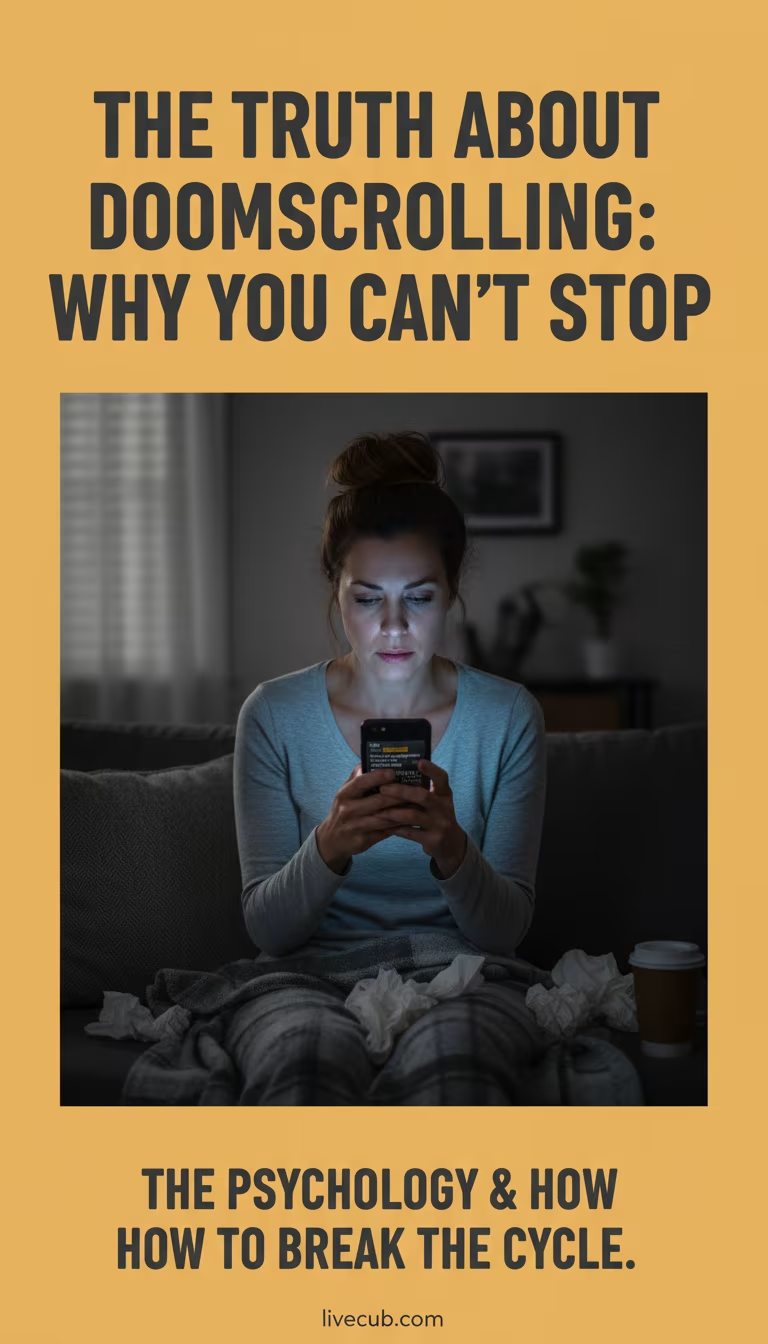
One more update, one more headline, one more refresh — and somehow an hour is gone and you feel worse than when you started. That loop runs on a simple trap: during anything that feels threatening, the brain craves certainty, so it keeps checking for the piece of information that will finally make the danger make sense. The relief never quite arrives, and the checking becomes its own problem.
The catch is that more scrolling usually delivers more alarm, not more control. Breaking the cycle is less about willpower and more about changing the cues, the timing, the state of your body, and even what you count as "being informed."
What doomscrolling actually is
Cleveland Clinic describes doomscrolling as spending a lot of time online consuming negative news and feeling unable to pull away, a pattern laid out in its overview of doomscrolling. It can attach to almost any topic — disasters, conflict, politics, health fears, finances, or a local emergency — but the loop feels the same no matter what fills it.
That sameness is a clue. If the subject changes while the behavior and the dread stay identical, the driver is not really the news itself. It is the underlying pull toward certainty and the design of the feed you are scrolling.
Why the brain keeps checking
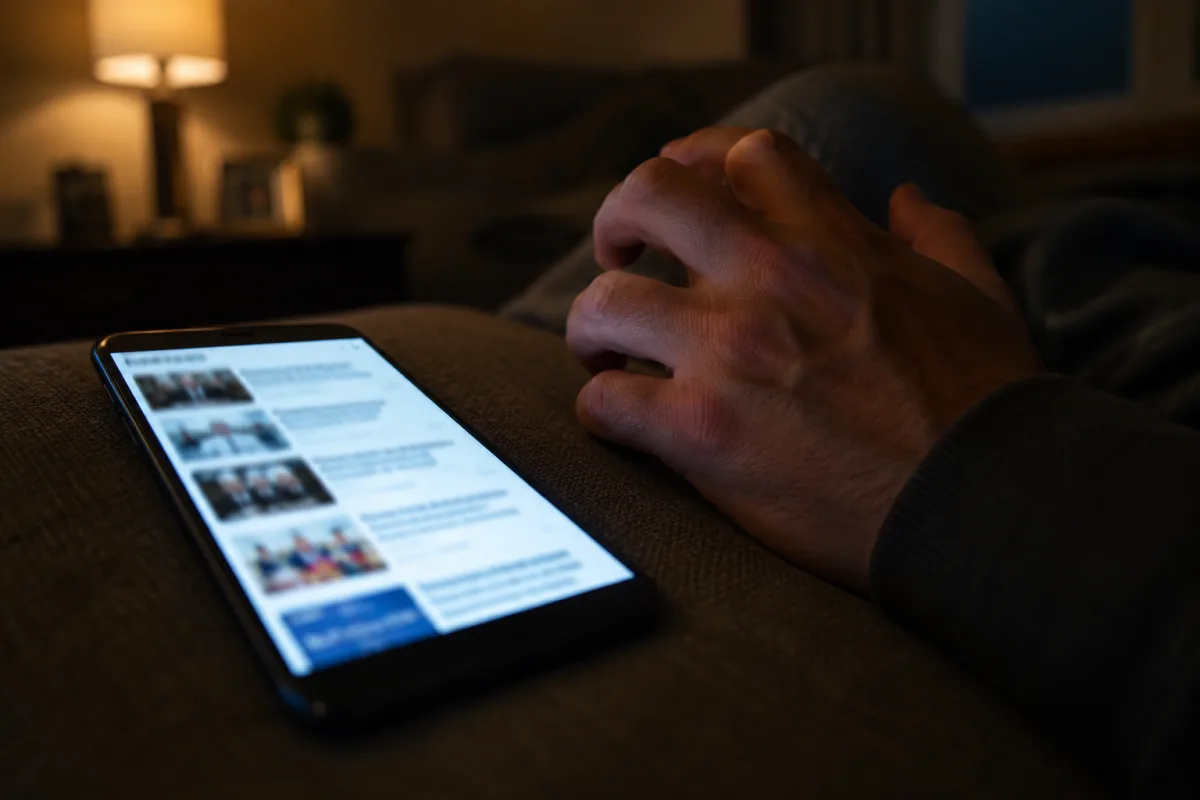
The brain treats uncertainty as unfinished business. A new headline feels like it might reduce the danger, explain what is happening, or prepare you for whatever comes next, so checking brings a small hit of relief. That relief fades fast, the sense of unfinished business returns, and the cycle restarts on its own.
Negative information makes the loop stickier. The nervous system is built to notice threat, so alarming content grabs attention more easily than calm content, and online feeds are tuned to serve more of whatever keeps you engaged. You may frame it as staying informed, but the body can experience it as repeated alarm with no resolution.
What the habit costs you
The clearest damage tends to land on sleep and mood. Late-night scrolling pushes the mind into threat mode right before bed, and the poor sleep that follows makes the next day more anxious and more likely to include even more scrolling. The Mental Health Foundation warns that doomscrolling can feed a self-reinforcing cycle of feeling low or worried, scrolling to feel better, and often feeling worse; its tips for healthier news consumption frame the habit as a loop worth interrupting rather than a personal failing.
Use your own reactions as data. If scrolling leaves you tense, numb, angry, guilty, or unable to focus, the habit is costing more than it gives. A short log helps make this concrete: for three days, note when you start, what triggered it, how long it lasts, and how you feel afterward, without judging the entries. Livecub's food journal guide is about meals, but the same simple tracking structure works cleanly for screen habits and mood.
Redesign the phone, not your willpower
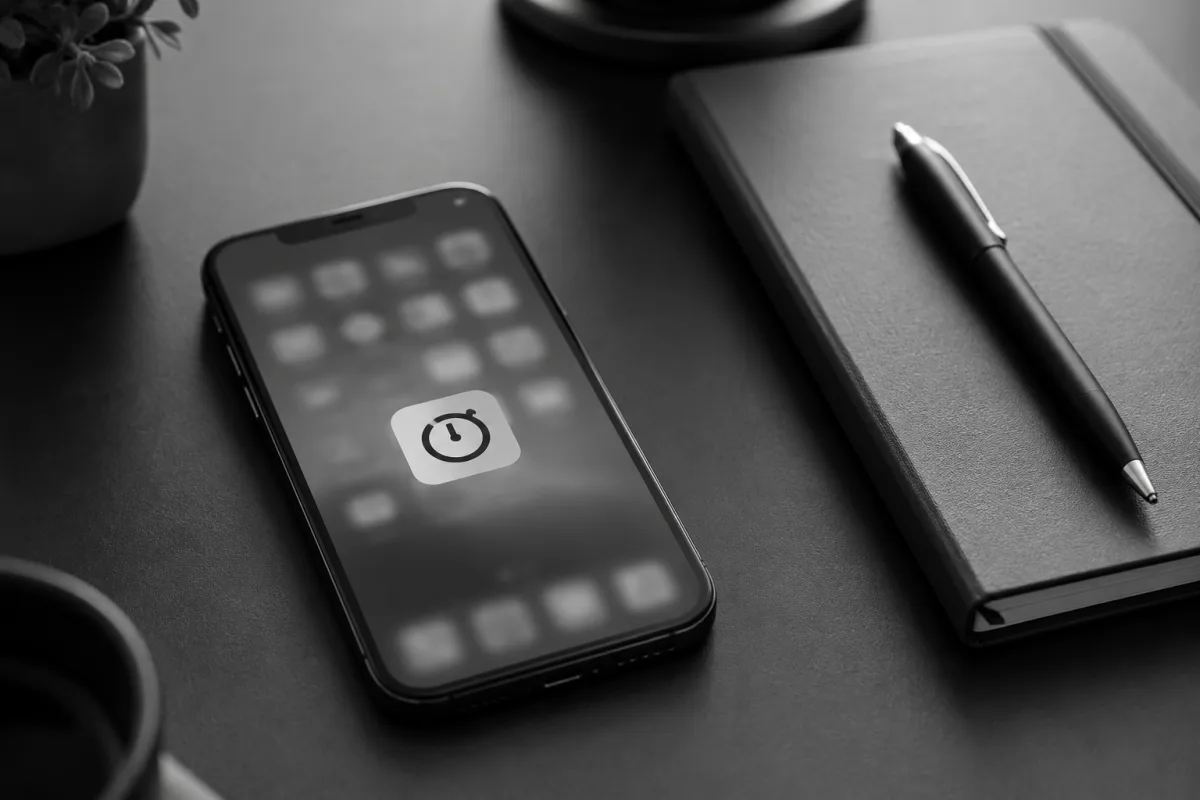
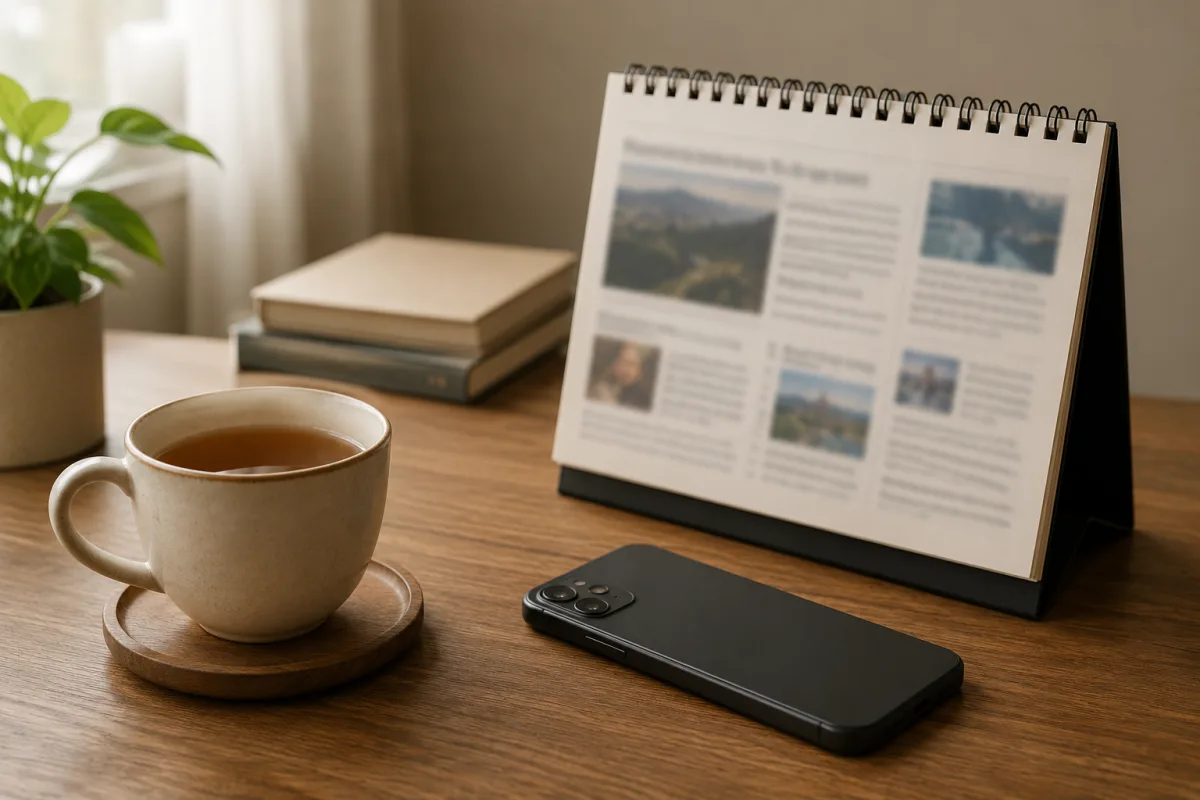
Do not try to out-discipline the feed at midnight; change the environment so the old path is less automatic. Add friction: move news and social apps off the home screen, log out, turn off autoplay, switch to grayscale, and strip out push alerts. Each small obstacle gives the thinking part of your brain a chance to catch up before the app is already open.
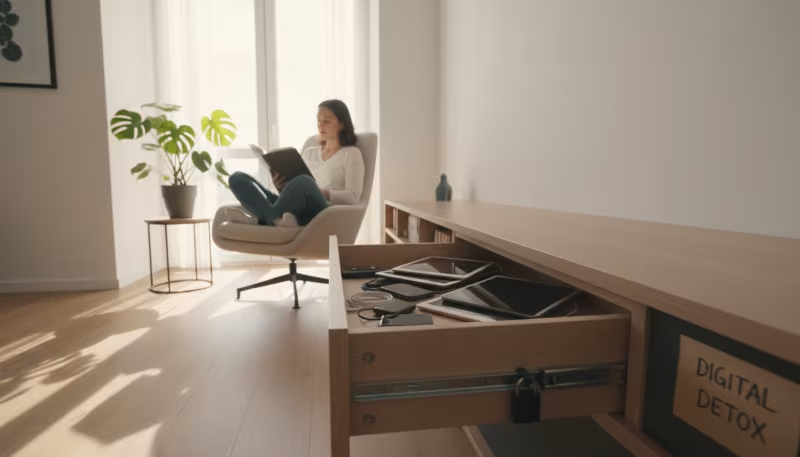
Physical distance beats mental negotiation. Keep the phone in another room during meals, work blocks, and the first stretch of bedtime, and if it must stay near, turn it face down with the app closed. At night, charge it across the room and use a real alarm clock so there is no half-awake reach that turns into another hour online. Finally, audit notifications ruthlessly: keep alerts for people and genuine duties, and silence the breaking-news, comment, and recommendation pings that exist only to pull you back.
Give the loop a real ending
Doomscrolling thrives on having no stopping point, so build one deliberately. Instead of scrolling until you are exhausted, plan the ending: save one source, close the app, stand up, drink water, and do one offline action. That physical action signals to the body that the episode is genuinely over; without it, the mind tends to keep scrolling internally even after the screen is dark.
Two rules make endings easier. First, the one-article rule: when you need to understand an event, choose a single reliable article or briefing instead of a feed, read it once, and write down the action it requires — if there is no action, the task is finished. Second, a done list: after reading, jot one sentence such as "I know enough to act or wait for now." It can feel awkward, but naming the stopping point is precisely what an endless feed refuses to give you. For real emergencies, rely on alerts from official sources rather than endless commentary, and remember that news tells you what happened while commentary — which never runs out — only tells you what others think about it.
Replace the function underneath
Every stubborn habit is doing a job. Ask honestly what doomscrolling does for you: is it easing loneliness, delaying sleep, avoiding work, managing fear, or offering a thin sense of belonging? Once you name the function, you can meet it more directly instead of just deleting an app and feeling the pull return through a different one.
Anxiety in particular wants action, so give it a concrete task — check an emergency kit, send a message, donate, schedule a call, or write a plan — because action closes the loop far better than another hour of reading reactions. If the body is already activated, start there: unclench your jaw, drop your shoulders, exhale longer than you inhale, and put both feet on the floor before deciding anything.
Protect your mornings and know when to get help
Bookend the day on purpose. Morning scrolling sets a reactive emotional tone, so delay the news until after light, food, any medication, movement, or your first work block; starting with your own life before the feed makes the whole day less jumpy. At night, use a small substitute that is genuinely easier than the old habit — wash your face, write tomorrow's first task, read paper pages, or play quiet audio without a feed. Expect the first few nights to feel restless; that restlessness is the old cue asking for attention, not proof the change is failing. And when you slip and lose an hour, repair rather than spiral: close the app, stand up, and restart the next small routine, because shame is what usually sends people straight back to the feed.
Get professional support if doomscrolling is tied to panic attacks, depression, self-harm thoughts, substance use, work problems, relationship strain, or an inability to sleep. A therapist can help with the anxiety loops, compulsive checking, or trauma triggers the scrolling may be covering. Breaking the habit is not about ignoring the world — it is about choosing when, where, and how you take in news so your nervous system finally gets a chance to recover.
Frequently Asked Questions
What is doomscrolling?
Doomscrolling is repeatedly consuming negative online news or posts, often for longer than intended and despite feeling worse afterward.
Why do I keep doomscrolling?
The brain seeks certainty during threat. Each update feels useful for a moment, then anxiety returns and asks for another check.
How do I stop doomscrolling at night?
Set a news cutoff, move apps off the home screen, charge the phone away from bed, and replace scrolling with a short offline routine.
Can doomscrolling affect mental health?
Yes. For some people it worsens stress, anxiety, low mood, sleep disruption, irritability, and concentration.
When should I get help?
Get help if scrolling feels compulsive, disrupts sleep or work, worsens depression or panic, or connects with self-harm thoughts.

Chiara Bradshaw
Covers education, culture and creative topics with an emphasis on readable explanations and verifiable references.



Leave a reply
Replying to